
Volume Control
Lower or boost your phone's sound up to 200%, with a limiter against distortion
About
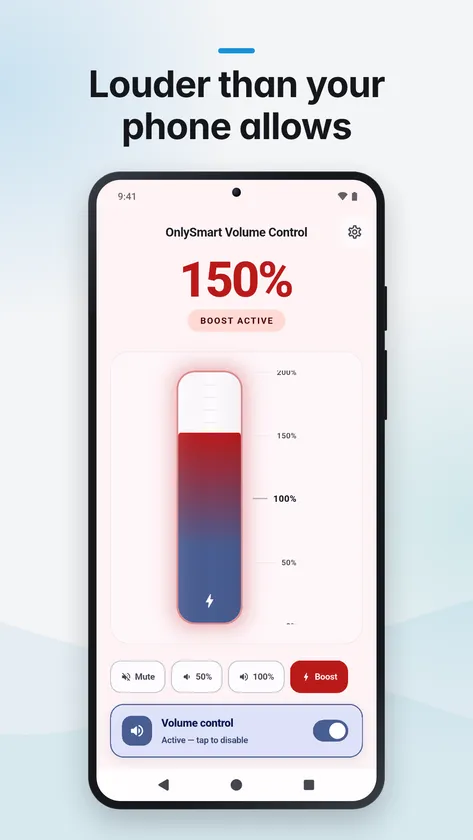
Set your phone's sound anywhere from mute to 200% with one slider. Turn volume control on, choose a level, and it keeps working after you close the app.
OnlySmart Volume Control boosts quiet sound with a limiter, so loud sound stays clean instead of distorting.
Volume and boost
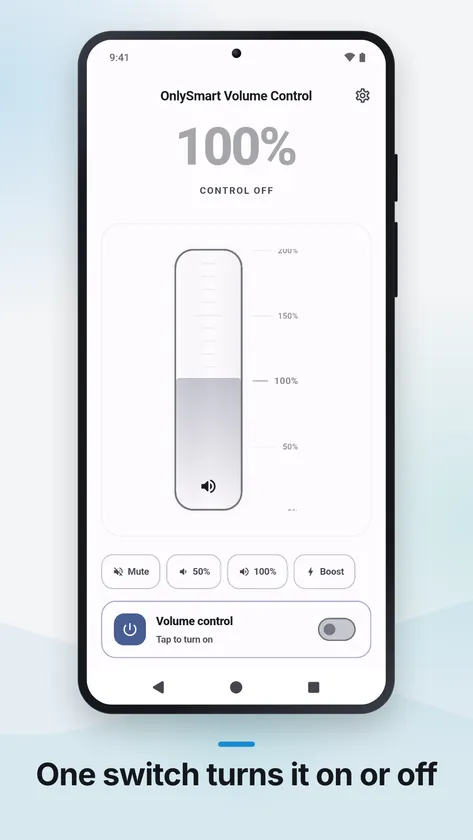
- Slider from 0% to 200% with a scale; 100% leaves the sound as it is
- Below 100% makes the sound quieter, above 100% boosts it
- Boost is limited, so loud sound does not distort
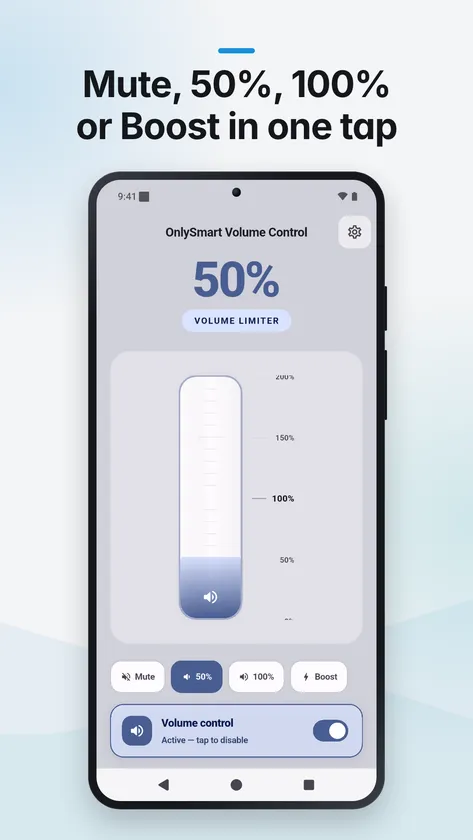
- Quick presets: Mute, 50%, 100% and Boost
- One switch turns volume control on or off
Stays on
- Keeps working after you close the app
- Your volume level is remembered
- After a phone restart or an app update, volume control turns back on if it was on
Notification
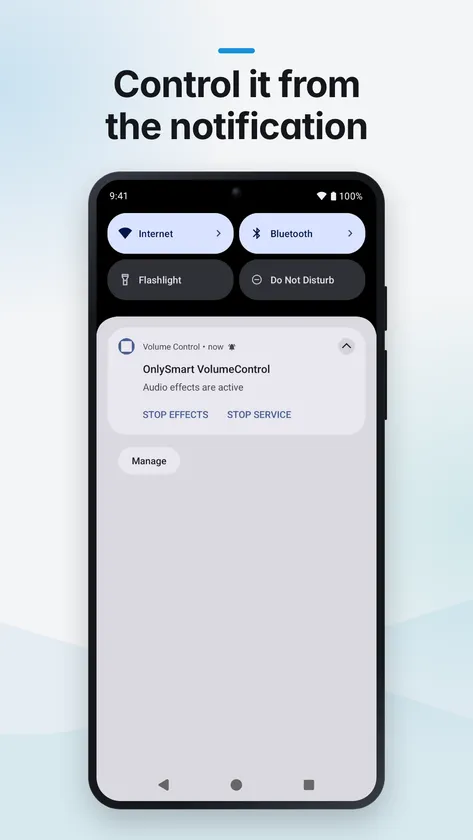
- Shown only while volume control is on, with the current volume and a Turn off button
- Tap it to open the app
- If notifications are off, the main screen says so, with a button to turn them on
- Notification permission is asked when you turn volume control on
Simple and private
- No microphone access
- Needs a phone that supports audio effects; the app tells you if yours does not
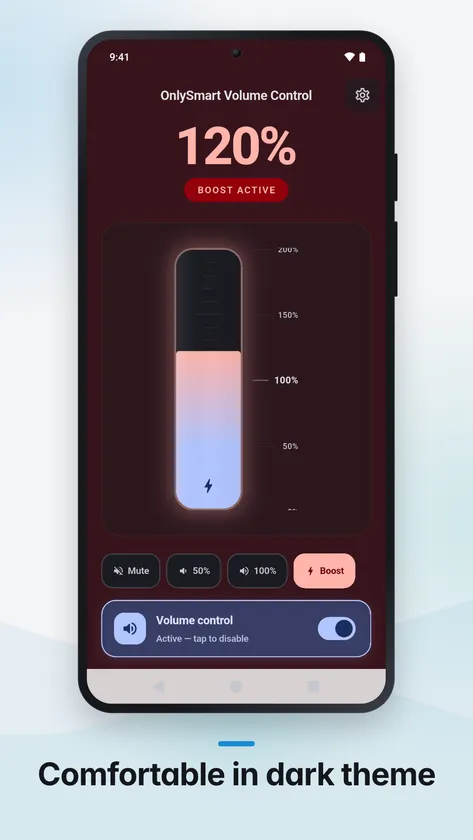
- Light, dark or system theme
- English or Russian; follows your phone's language by default
News
App Update - Volume Control v1.7 for Android has been released
App Update - Volume Control v1.6 for Android has been released
App Update - Volume Control v1.5 for Android has been released
App Update - Volume Control v1.4 for Android has been released
App Update - Volume Control v1.3 for Android has been released